Viewing Semicolon-Delimited Output Tables in Excel
Viewing Semicolon-Delimited Output Tables (.dta) in Excel
To view the data from a dta file in Excel, follow the instructions below.
- Open Microsoft Excel.
- Click File, Open to open the .dta file. You may need to change the Files of Type text box to All files *.* to have the .dta files show up.
- Locate the desired .dta and click Open.
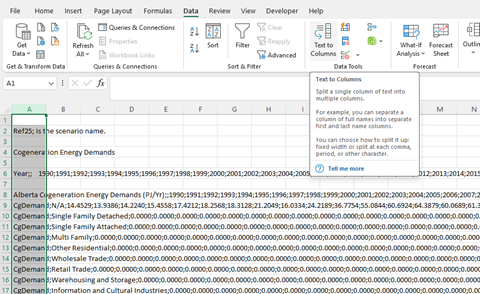
- Highlight column A and choose Text to Columns option format the semicolon delimited file.
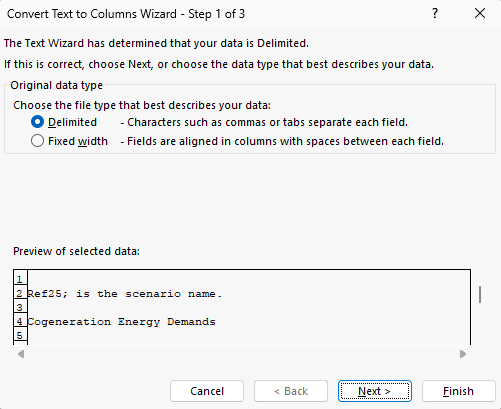
- Select Delimited as the file type:
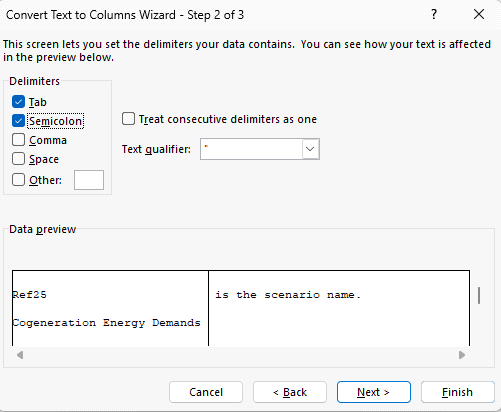
- Select Semicolon as the delimiter:
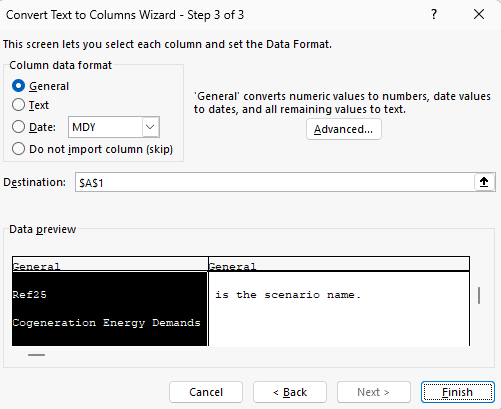
- Choose Finish:
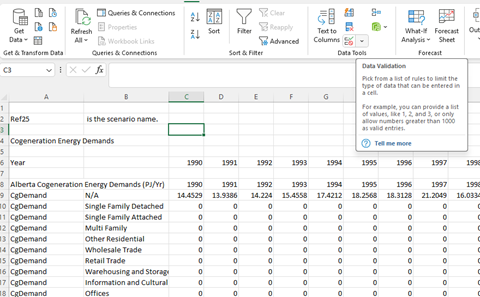
- The semicolon will be parsed into columns as the following: