
Initial Run
Instructions to Make an Initial Run
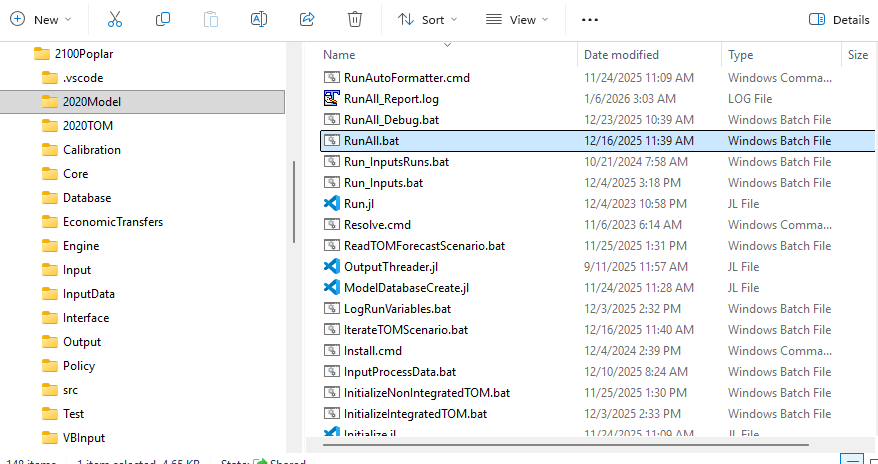
Step 1 - Double-click RunAll.bat from the \2020Model directory.
RunAll.bat will execute an entire run of the model from reading the input data through creating a reference case energy forecast.
The time to complete a full model run will take between 12 hours to 24 hours, depending on your computer specifications.
Step 2 - View model results.
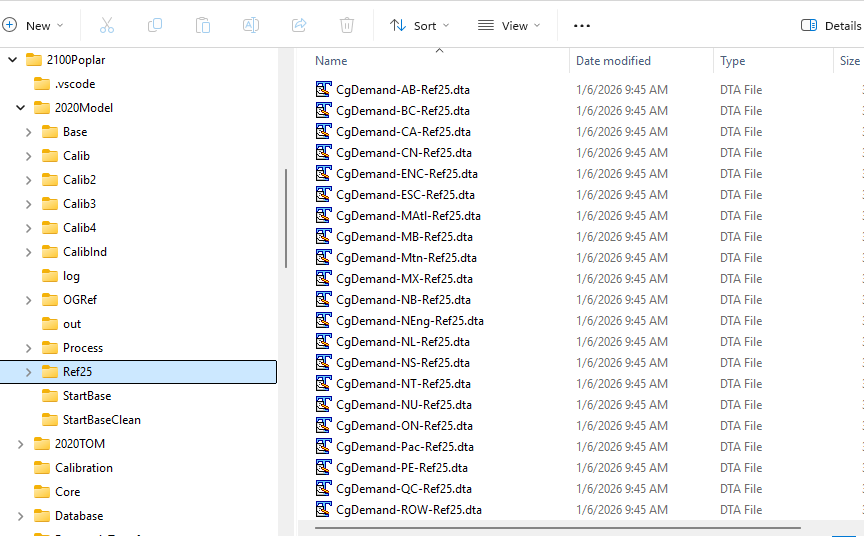
When the model run is finished, results cans be found in \2020Model\ReferenceCaseName, such as \2020Model\Ref25.
Automated outputs are created as semi-colon delimited text files with .dta file extensions. The figure below shows the location of the results .dta files generated for a Ref25 scenario run.
See Model Outputs section for a listing of the output files that are generated automatically.
|
|
🛈 |
Follow the instructions in Viewing Output Tables to open and parse the semicolon-delimited dta file into Excel. |